

To create a custom Js component we need to create the below file as per folder structure.

first, we create our test-component.js(view/web/js/test-component.js) file,
define([
    'jquery',
    'uiComponent',
    'ko'
], function ($, Component, ko) {
    'use strict';


    let testComponent = Component.extend({
        self: this,
        defaults: {
            template: 'Mage2_CustomRouter/test'
        },

        initialize: function () {
            let self = this;
            this._super();
        }
    });

    return testComponent;
});
after, test.html(view/web/template/test.html) file
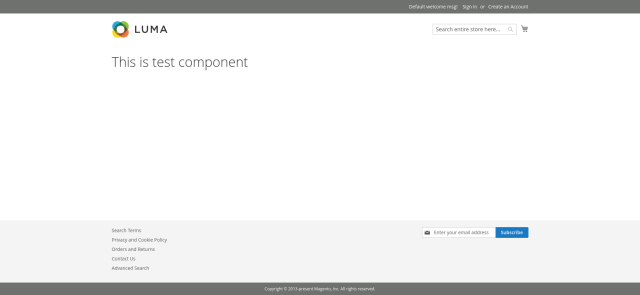
<h1>This is test component</h1>
Now we are adding our component into phtml file, creating a test.phtml (view/frontend/templates/test.phtml)
<div id="test-component" data-bind="scope:'test-component'">
    <!-- ko template: getTemplate() --><!-- /ko -->
    <script type="text/x-magento-init">
        {
            "#test-component": {
                "Magento_Ui/js/core/app": {
                   "components": {
                        "test-component": {
                            "component": "Mage2_CustomRouter/js/test-component"
                        }
                    }
                }
            }
        }
        </script>
</div>
So final output on the front-end.
We hope this blog may be understandable and useful to you. You can email us at mage2developer@gmail.com if we missed anything or want to add any suggestions. We will respond to you as soon as possible. Happy to help 
